Tips for Creating a Productive Home Office Environment
Creating a productive home office environment is key to staying focused and efficient while working remotely. Whether you work from home full-time or occasionally, having a dedicated space designed for productivity can make a big difference in your comfort and success. Below are practical tips to help you set up a home office that supports focus, organization, and well-being.
Choose the Right Location
Find a Quiet Space
Select a part of your home with minimal distractions. Ideally, this area should be away from noisy common rooms and heavy foot traffic. A quiet space helps you concentrate better and signals to others that you’re working.
Consider Natural Light
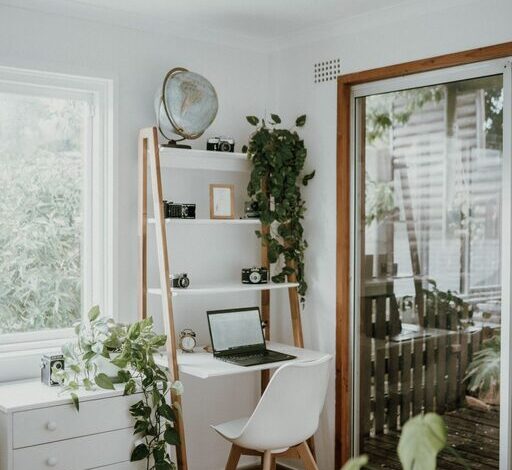
A spot near a window is ideal. Natural light improves mood, alertness, and energy levels throughout the day. If natural light is limited, consider adjustable lighting options that reduce eye strain.
Invest in Comfortable, Functional Furniture
Ergonomic Chair and Desk
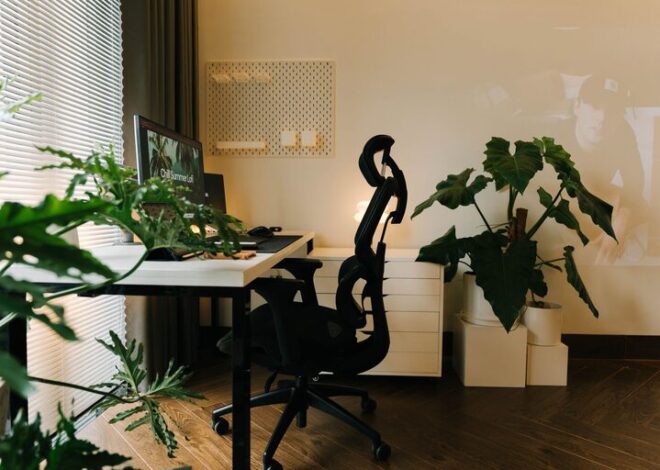
Your chair should support your back and promote good posture. Likewise, a desk with the right height keeps your wrists and arms comfortable as you work. Ergonomics matter for both comfort and long-term health.
Adjustable Furniture
If possible, choose adjustable desks or chairs to customize your workspace. Standing desks or converters allow switching between sitting and standing, which can reduce fatigue.
Keep Your Space Organized
Declutter Regularly
A clutter-free desk helps clear your mind and minimizes distractions. Organize papers, gadgets, and supplies in drawers or containers to keep your workspace tidy.
Use Storage Solutions
Shelves, filing cabinets, and desktop organizers keep items in their place. Label storage so you can find what you need quickly without disrupting your workflow.
Optimize Technology and Equipment
Reliable Internet Connection
Ensure your internet is fast and dependable. This is critical for video calls, cloud work, and research. Consider a wired connection if Wi-Fi is unstable.
Essential Devices and Accessories
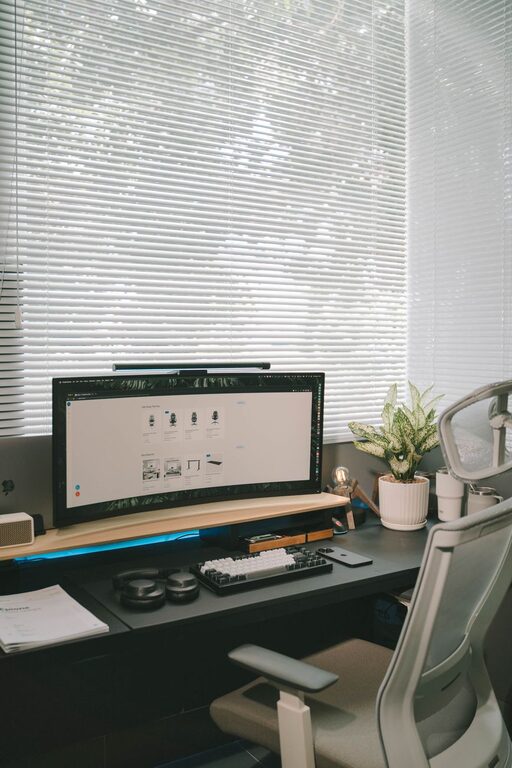
Have all necessary devices like a computer, printer, and phone charger within easy reach. Use accessories such as external monitors, keyboards, or noise-canceling headphones to enhance your setup.
Minimize Distractions
Set Boundaries
Communicate your work hours clearly with family or housemates. Use signs or schedules to manage interruptions during important tasks or meetings.
Limit Personal Devices
Turn off non-work-related notifications on your phone or computer. Designate times for checking emails or social media to stay focused on tasks.
Create a Comfortable Atmosphere
Add Personal Touches
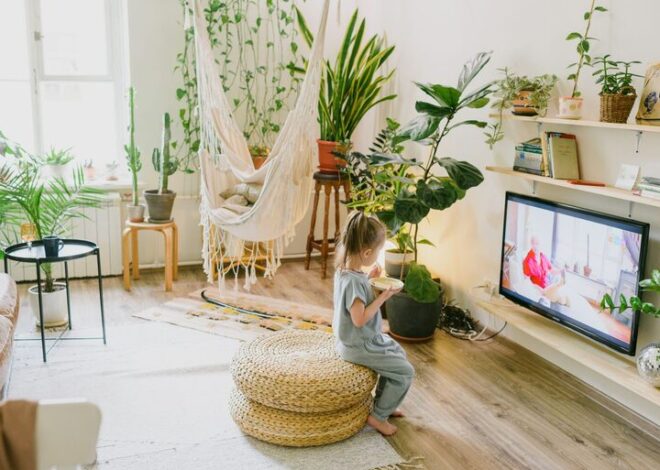
Incorporate elements that make you feel happy and motivated, such as plants, artwork, or meaningful objects. Personal touches can make the space inviting and inspiring.
Control Temperature and Ventilation
Make sure your office is neither too hot nor cold and that it’s well-ventilated. Comfortable temperature and fresh air contribute to better concentration.
Establish a Routine
Set Working Hours
Define clear start and end times for your workday. A routine helps maintain work-life balance and makes it easier to switch off after work.
Take Regular Breaks
Short breaks prevent burnout and improve productivity. Stand, stretch, or take a short walk to recharge your mind and body.
Use Productivity Tools
Task Management Apps
Tools like to-do lists, calendars, or project management apps can help organize tasks and deadlines efficiently.
Timers and Focus Techniques
Techniques such as the Pomodoro Method use timers to balance focused work and breaks. This can improve concentration and reduce procrastination.
—
By thoughtfully setting up your home office, you can create an environment that supports productivity and well-being. From choosing the right space to organizing your desk and managing distractions, each step contributes to making your remote work experience more effective and enjoyable. Remember, your workspace should reflect your needs and preferences, so feel free to experiment and adjust until it works best for you.